How I Structured My Note Taking System for Real Work
I built this because I got tired of pretending that other people's systems were going to work for me. I spent a long time trying to make templates and vault structures designed by people who think differently than I do. Some of those systems came from the creators of Obsidian themselves. They were impressive to look at. They were completely useless for how my brain actually processes information.
So I stopped trying to adapt and started building from scratch.
 7
7
Platinum Workspace
Obsidian
An Obsidian workspace for organizing notes into structured projects and long-term knowledge.
What Kept Breaking Before
The pattern with every previous vault was the same. I would start clean, create a few folders, begin adding notes, then realize within two weeks that nothing was in the right place. Reorganizing took time. Notes piled up in places that made sense on day one and made no sense by month two. The structure kept collapsing under the weight of actual daily use.
I was treating the vault like a pile of notes, a place to throw things and sort them later. That approach never works. Later never comes, or it comes as a massive cleanup session that produces anxiety instead of clarity.
What I actually needed was a system with a small, clear entry point where I can understand what is happening at a high level and only go deeper into specifics when I need them. Not everything visible at once. Not ten folders demanding attention on first open.
What Platinum Is For
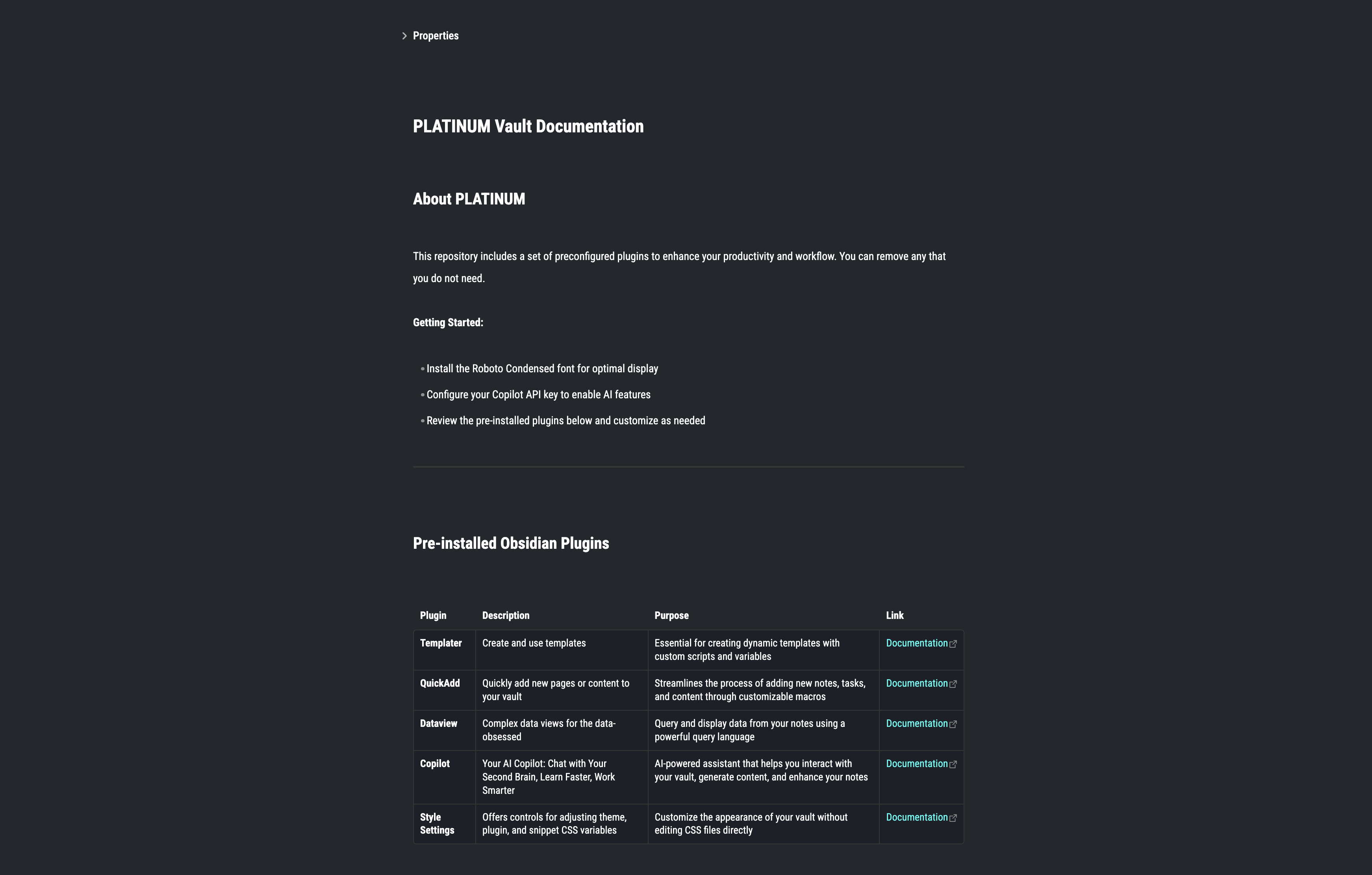
Platinum is a Obsidian workspace for organizing notes into structured projects and long-term knowledge.
That is a narrow scope on purpose. I use it for daily operational tasks, for ongoing areas of responsibility, for projects with real deadlines and deliverables and for reference material that needs to stay findable for months or years. If something does not belong to an active project, a defined area of responsibility, or a reference I will genuinely need later, it does not go in here. That constraint sounds limiting but in practice it makes the whole system faster to use because I never have to think hard about where something should go.
Outside of work, I have not found a strong reason to use Platinum for personal life yet. It is optimized for professional context and structured output. That might change, but I am not forcing it.
Core Structure
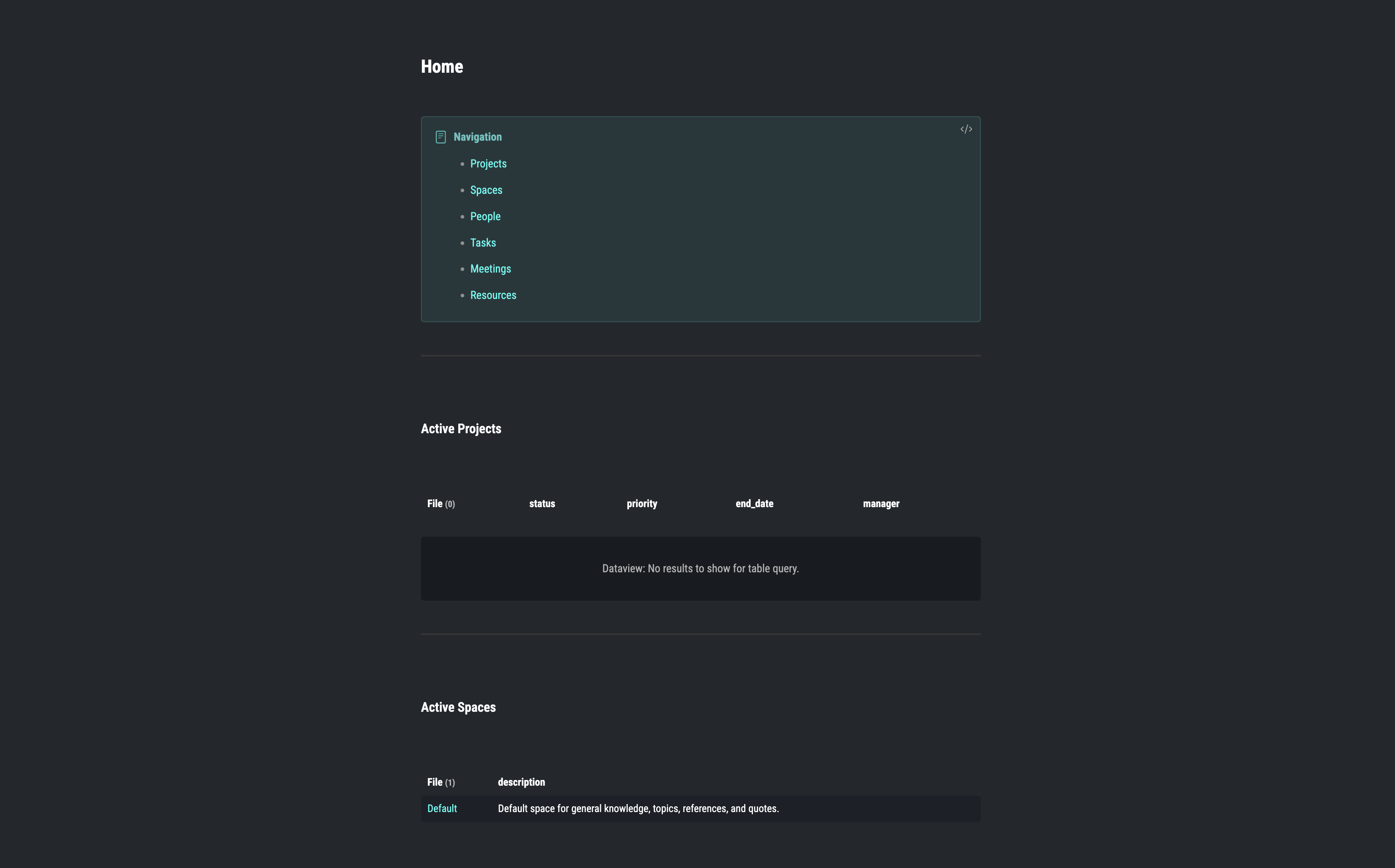
The whole vault is built around six sections. Each one has a defined purpose and they do not overlap.
Area
Area is the dashboard layer. When I open Obsidian, Area is where I go first to understand where things stand across all active work. It gives me a high-level view without forcing me to open individual notes or dig into specific projects.
Space
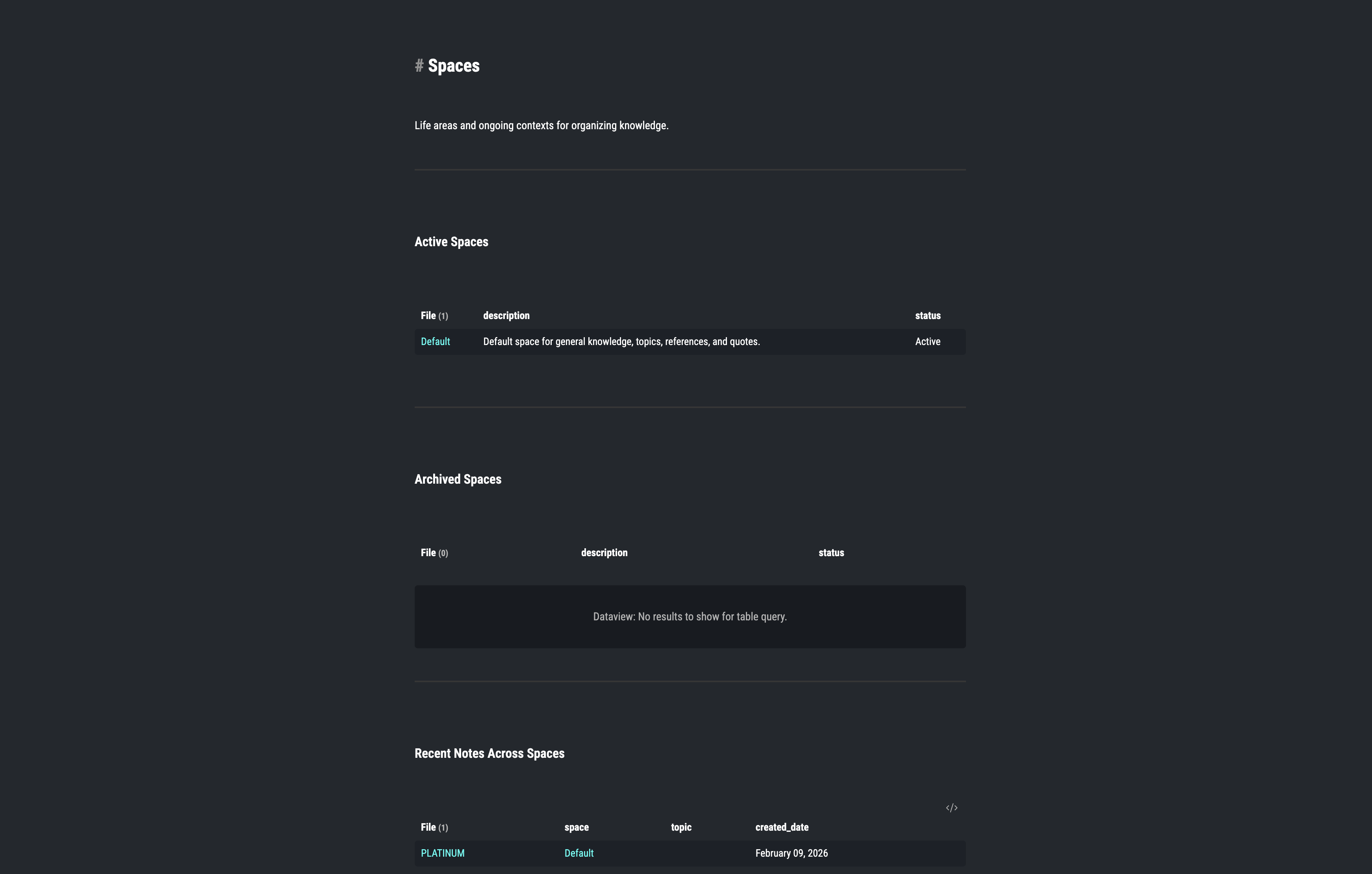
Spaces are for the parts of life and work that do not have a defined end date. A Space might be a discipline, a domain, or a long-term interest that builds up knowledge over years. Unlike Projects, Spaces do not complete. They accumulate.
Projects
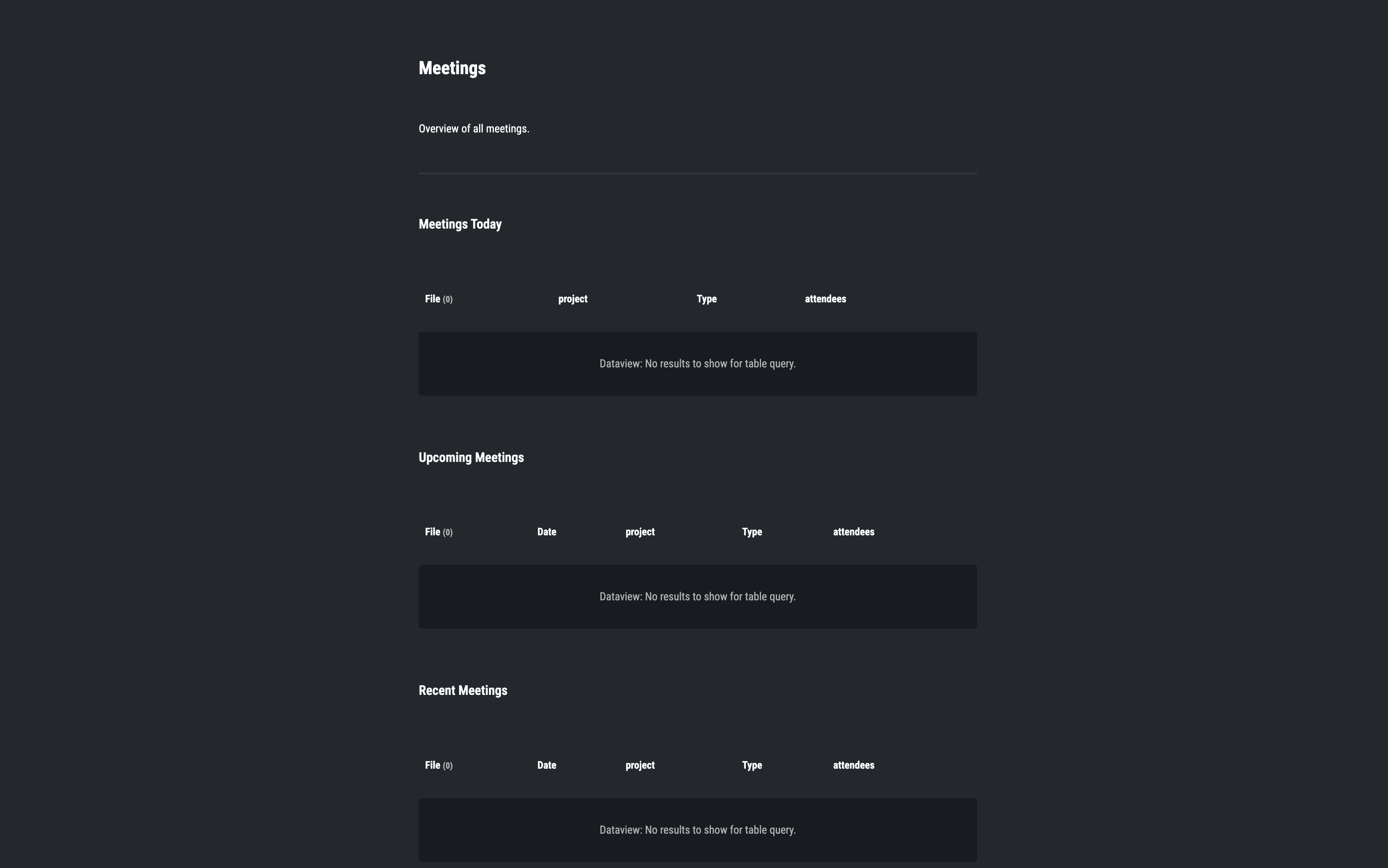
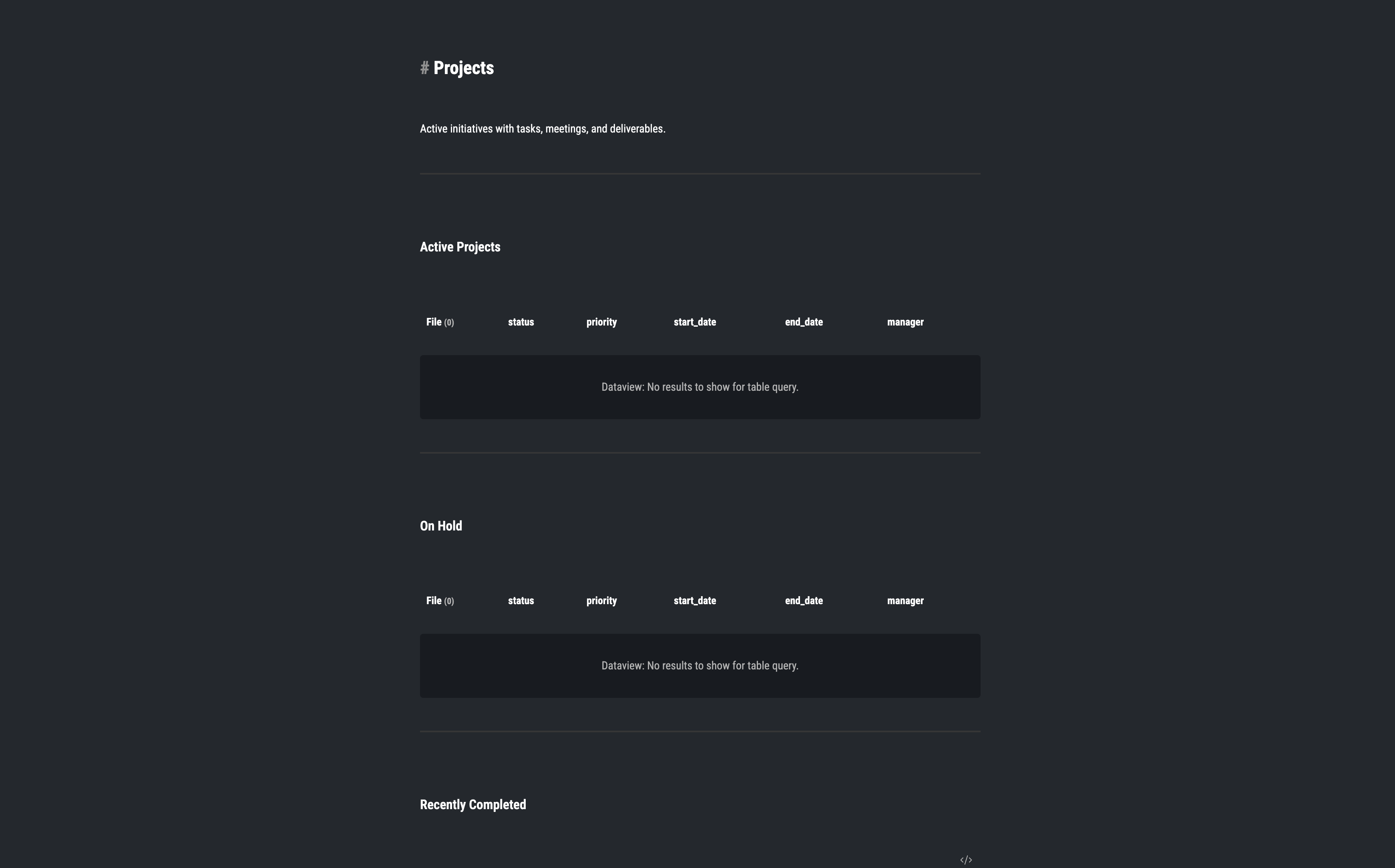
Projects are strictly for work with a clear finish line and a specific deliverable. Each project contains its own tasks, meeting notes and reference material so nothing spreads across the system. When a project is done, it is archived in place.
Journal
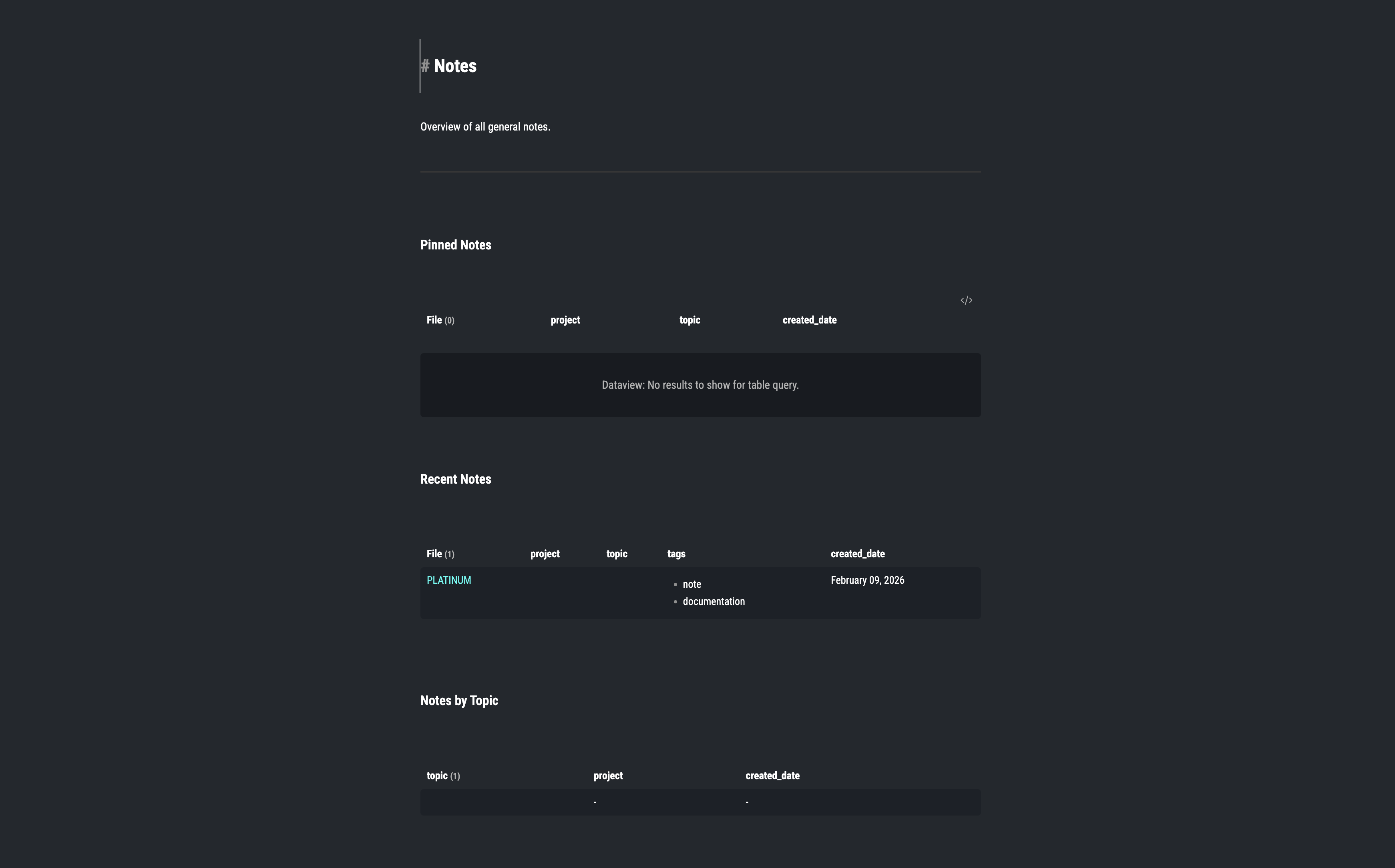
The Journal captures thoughts and events in the moment before they disappear. I use it for daily logs, quick reflections and anything I need to record fast without deciding where it belongs. It operates strictly as a capture tool.
System
System is the engine behind everything else. It holds templates, scripts, and automation logic. When the system is working well, I never think about it. It just handles the repetitive structural work automatically.
Uploads
Uploads stores non-text files, images, attachments, documents, that need to be connected to notes or projects. Keeping these in one place means they are always locatable instead of scattered across the filesystem.
The Automation Layer
Without automation this kind of structure falls apart after a few weeks. Manual maintenance creates lot of problems, which lead to skipping steps. Skipping steps breaks the structure and broken structure means the vault becomes unusable.
I use three tools to prevent that from happening: QuickAdd, Templater, and Dataview.
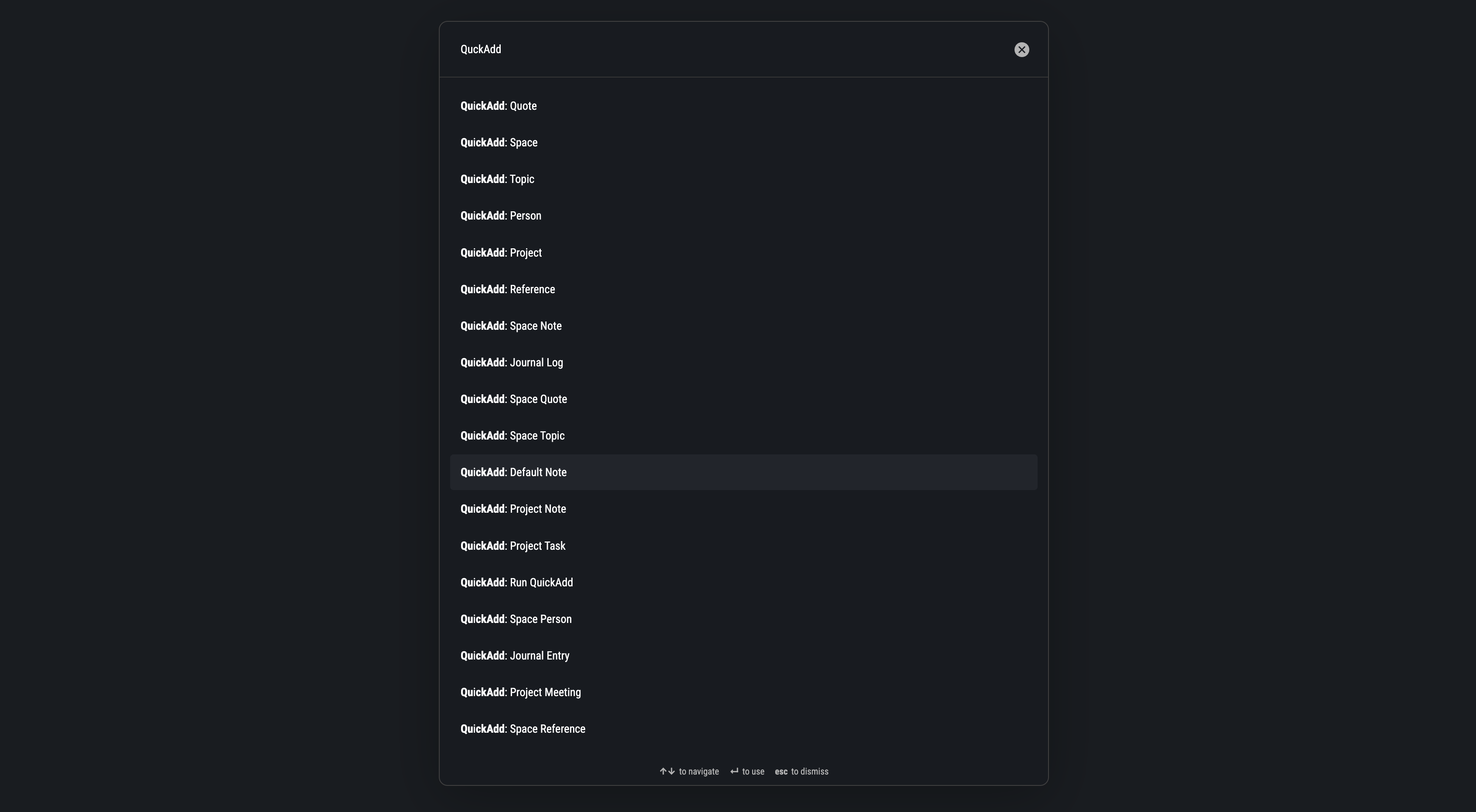
QuickAdd gives me a command palette interface for creating new notes without navigating folders manually. I can trigger a command, answer one or two prompts and have a correctly placed, correctly templated file ready to use.
Templater handles the template logic. When a new meeting note, project or task gets created, Templater applies the right structure automatically depending on what type of note it is. Every meeting note looks the same. Every project note looks the same. Consistency is not something I have to think about.
Dataview connects the whole system. It queries notes and surfaces related tasks, meetings, and references across the vault. Instead of manually tracking what belongs to what, Dataview shows me those relationships dynamically.
Together these three make it so day-to-day use requires almost no organizational decisions. I focus on the work. The system handles where things go.
Why Plain Markdown Matters
Everything in Platinum is plain Markdown. This means the vault is portable, easy to back up and not tied to Obsidian specifically. I connected it to Git so the full history is versioned and recoverable. If Obsidian changes in a direction I do not like, or I want to switch to a different tool, the content migrates cleanly. I am not locked into a proprietary format.
Plain Markdown also means the files are readable anywhere, editable in any text editor, and not dependent on a plugin being maintained. The core content survives whatever happens to the surrounding tooling.
Who It Actually Works For
Platinum is a good fit if you are managing multiple active projects at the same time, you want a system that stays organized without constant reorganization and you prefer working in Markdown with Git-based version control.
If you want a place to collect loosely connected notes without structure, you need a different kind of vault and a different workflow.
The goal is to manage real work inside a structure that holds up as the amount of work grows That is what took me the longest to understand about personal knowledge management tools in general.
The system has to serve the output.