Platinum Workspace
I built this because I finally got fed up with the trap of fake productivity and realized that most of the templates out there are just distractions wrapped in stylish plugins.
I spent way too much time trying to make other people's systems work, including some from the creators of Obsidian themselves, but I eventually learned that everyone’s brain just processes information differently. For me a workspace only works if there is a very small and simple entry point where I can see high-level topics first and then gradually dive deeper into the details only as I actually need them.
My old vaults always ended up as a total disaster with way too many folders and a constant need to reorganize files that should have been put in the right place to begin with. To fix that, I stopped viewing this as just a pile of notes and rebuilt it into a functional environment with clear rules I can actually follow even when I’m exhausted or busy.
It has been a massive boost for my professional output and getting things done, though if I’m being honest, I haven't really found much of a reason to use it for my personal life outside of work yet.
What do I use Platinum for
I use Platinum for the work that actually needs to be shipped, meaning it’s reserved for my daily operational tasks and the ongoing areas of responsibility that keep things moving. It’s where I handle projects that need finished results and keep the kind of information that stays useful and easy to find for a long time.
Since this framework puts documentation first, it pushes you to actually write and think clearly instead of just hoarding random notes you’ll never open again. The structure forces you to separate different ideas into their own spaces right from the start so everything stays organized. This way, everything you write has a real purpose, whether it’s for a project you're finishing or as a solid reference you can actually find and use later.
If you're looking for a place to just dump random notes without any structure, this isn't the right tool for that.
Core Structure
Area
This serves as the dashboard layer of the entire system. I open it when I want a quick understanding of where things stand.
Space
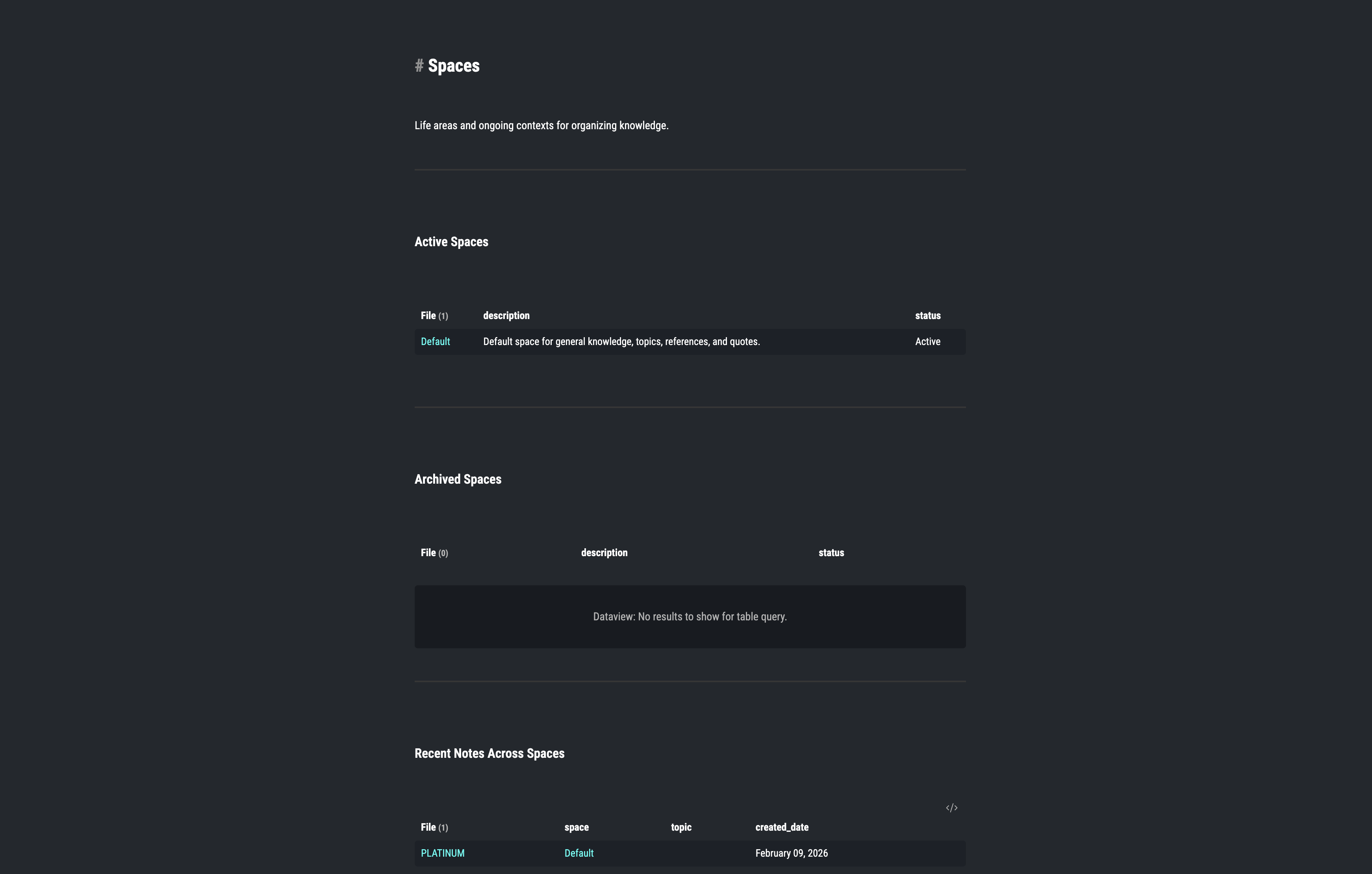
Spaces are dedicated to the ongoing parts of life that don't have a specific end date, acting as long-term domains where knowledge and resources continue to build up over years.
Projects
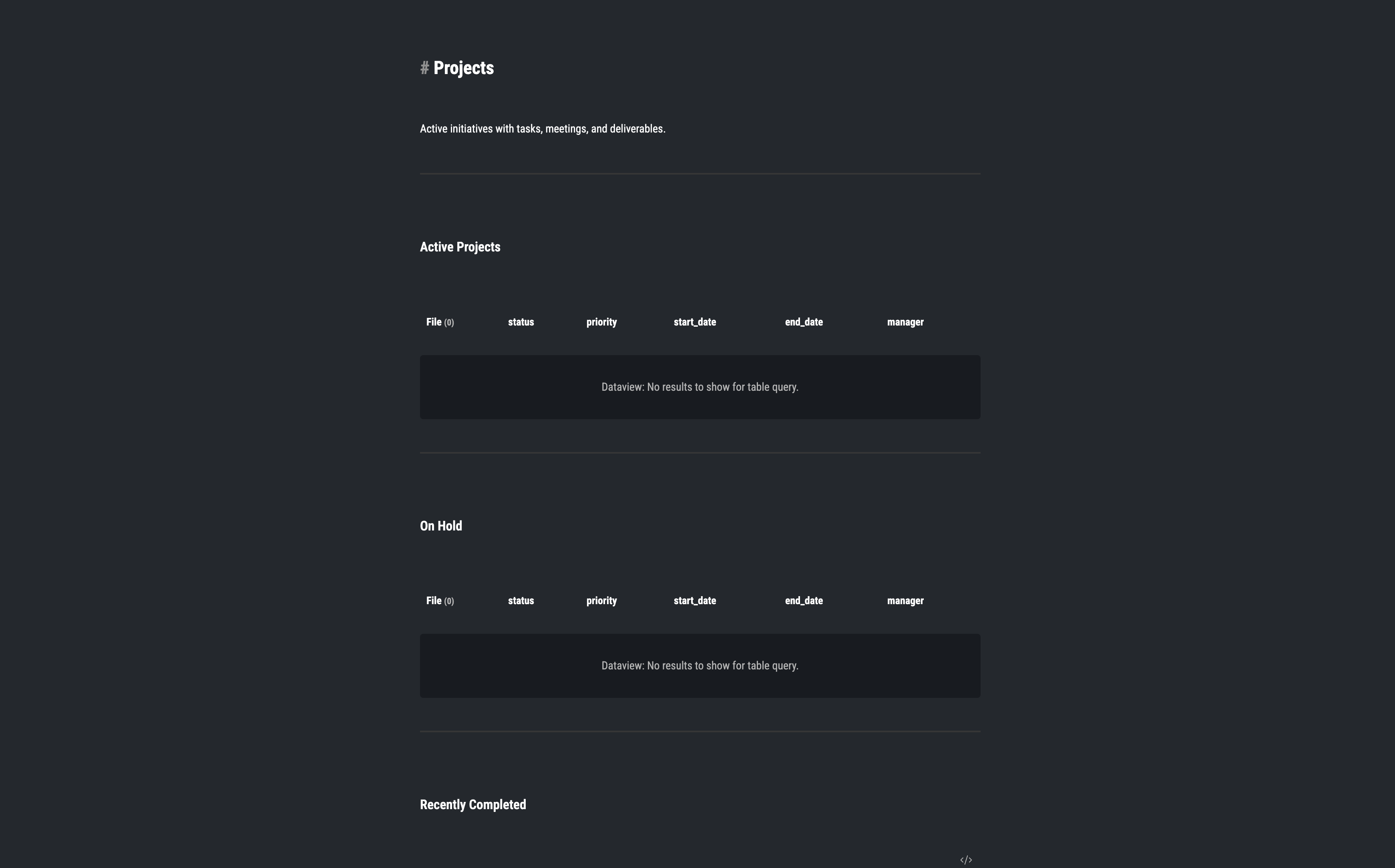
Projects are only for work that has a clear end and a specific result that needs to be finished and delivered. Each project keeps its tasks, notes and meetings in one place so work does not spread across the system.
Journal
The Journal is where I capture thoughts and events exactly when they happen so they don't get lost before I have the time to actually process them. I use it for daily logs, quick reflections, and anything that would otherwise be forgotten.
System
This acts as the engine of the entire workspace, using templates and scripts to make repetitive tasks feel consistent and fast so I don't have to think about organization.
Uploads
Uploads is where I keep all the non-text files like images or documents that still need to be connected to my notes or projects so that everything stays in one place.
The Engine
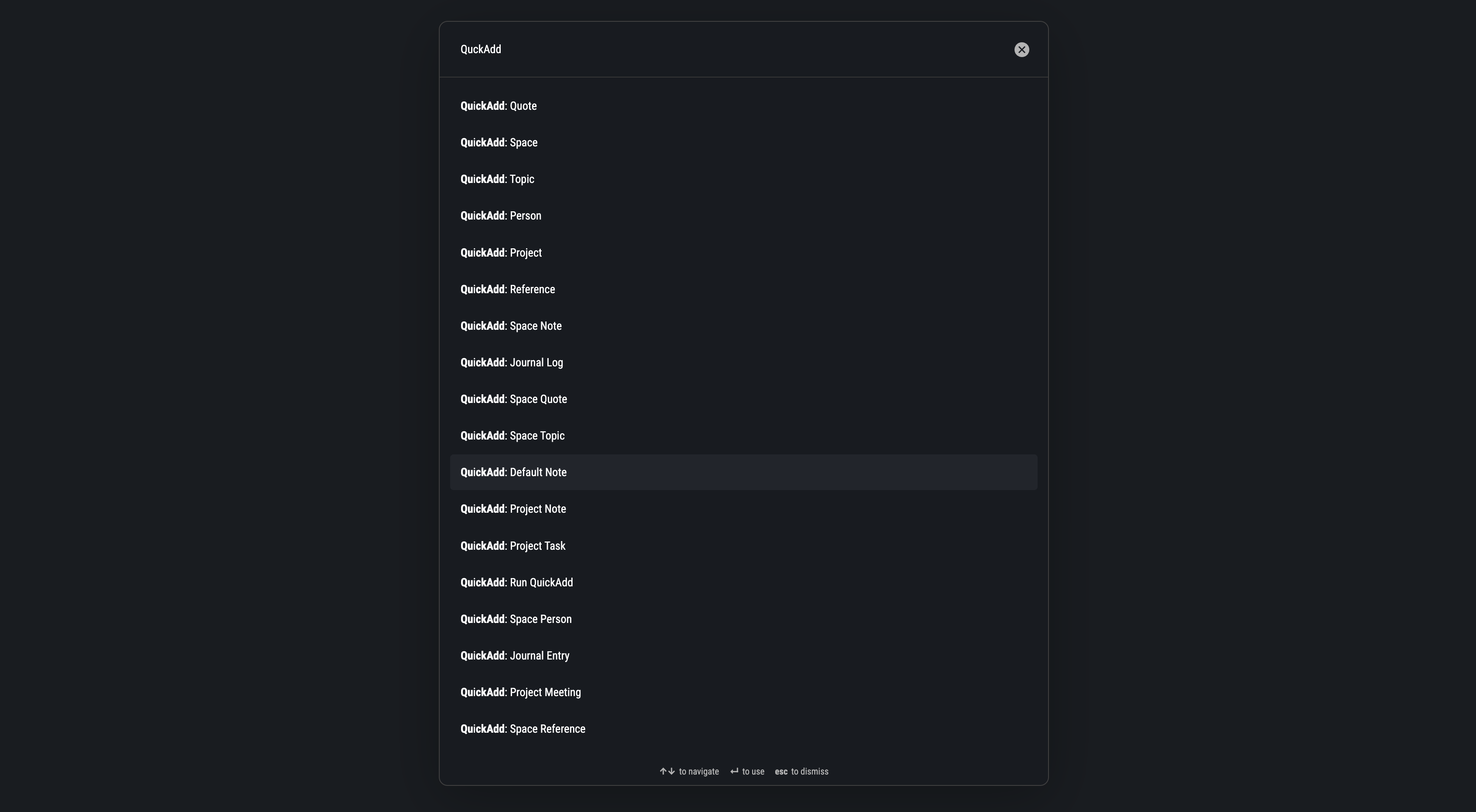
I use QuickAdd, Templater and Dataview to remove repetitive manual work. Without automation, the system would fall apart after a few weeks. With automation, it stays usable over time.
Here is what each part does:
- Templates keep your notes consistent so they always follow the same structure
- Scripts automatically place notes into the right folder. Depending on the script, it also applies the correct template, for example for meetings, projects, notes or tasks.
- Dataview connects everything by showing related notes, tasks, and meetings across the system.
You will probably need a few days to adjust, but once you get used to it, it just works and saves you a lot of effort.
Preview
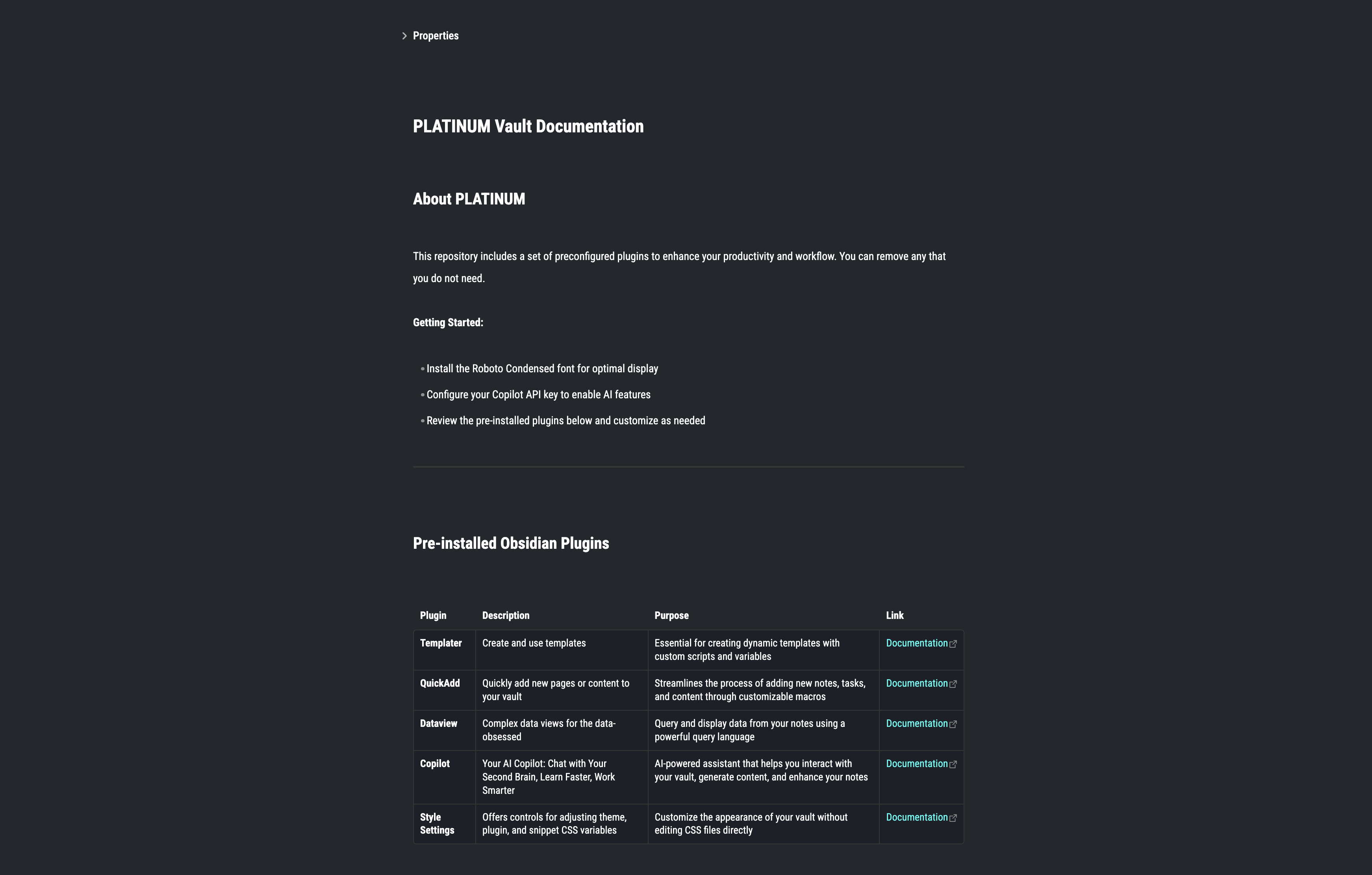
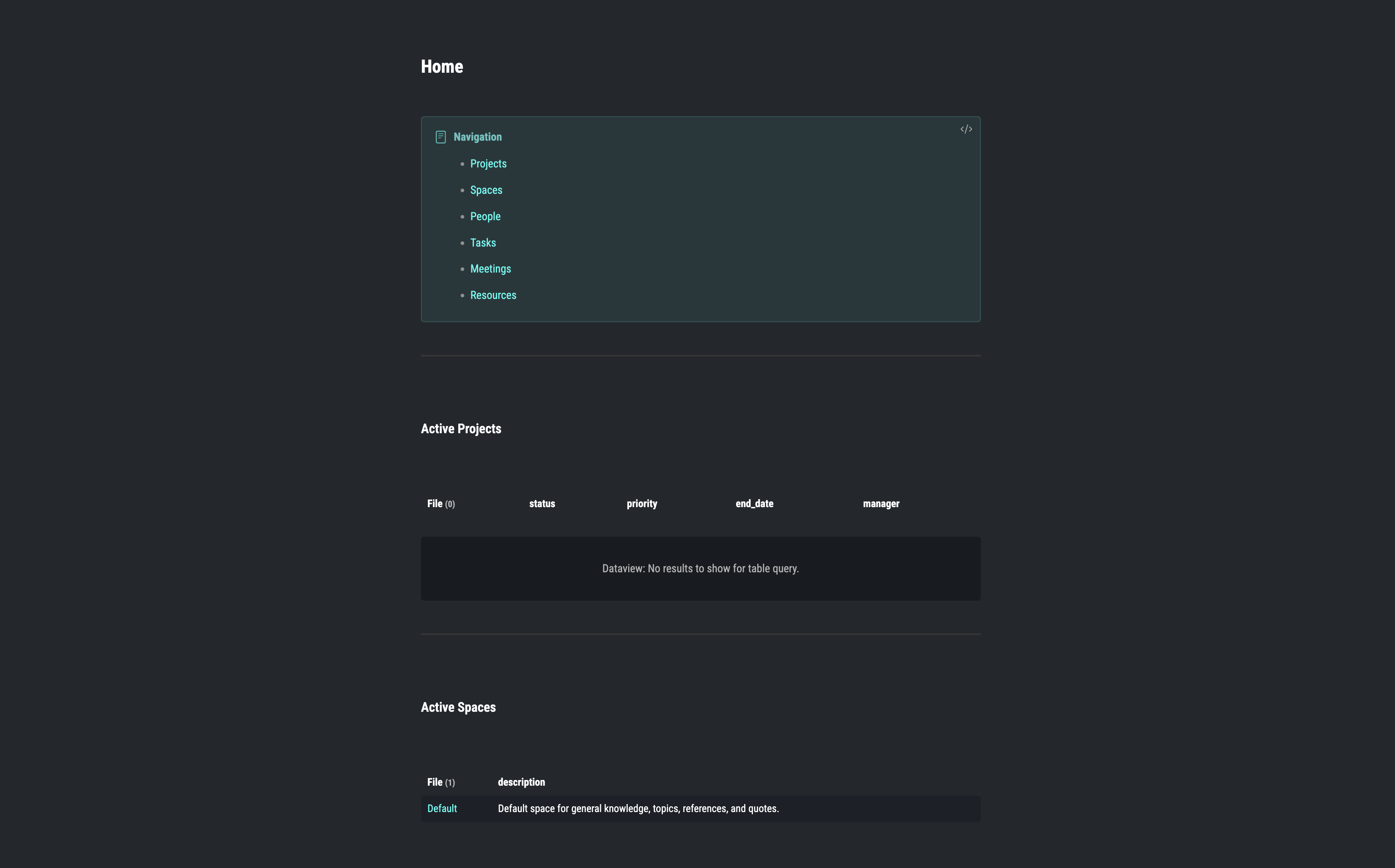
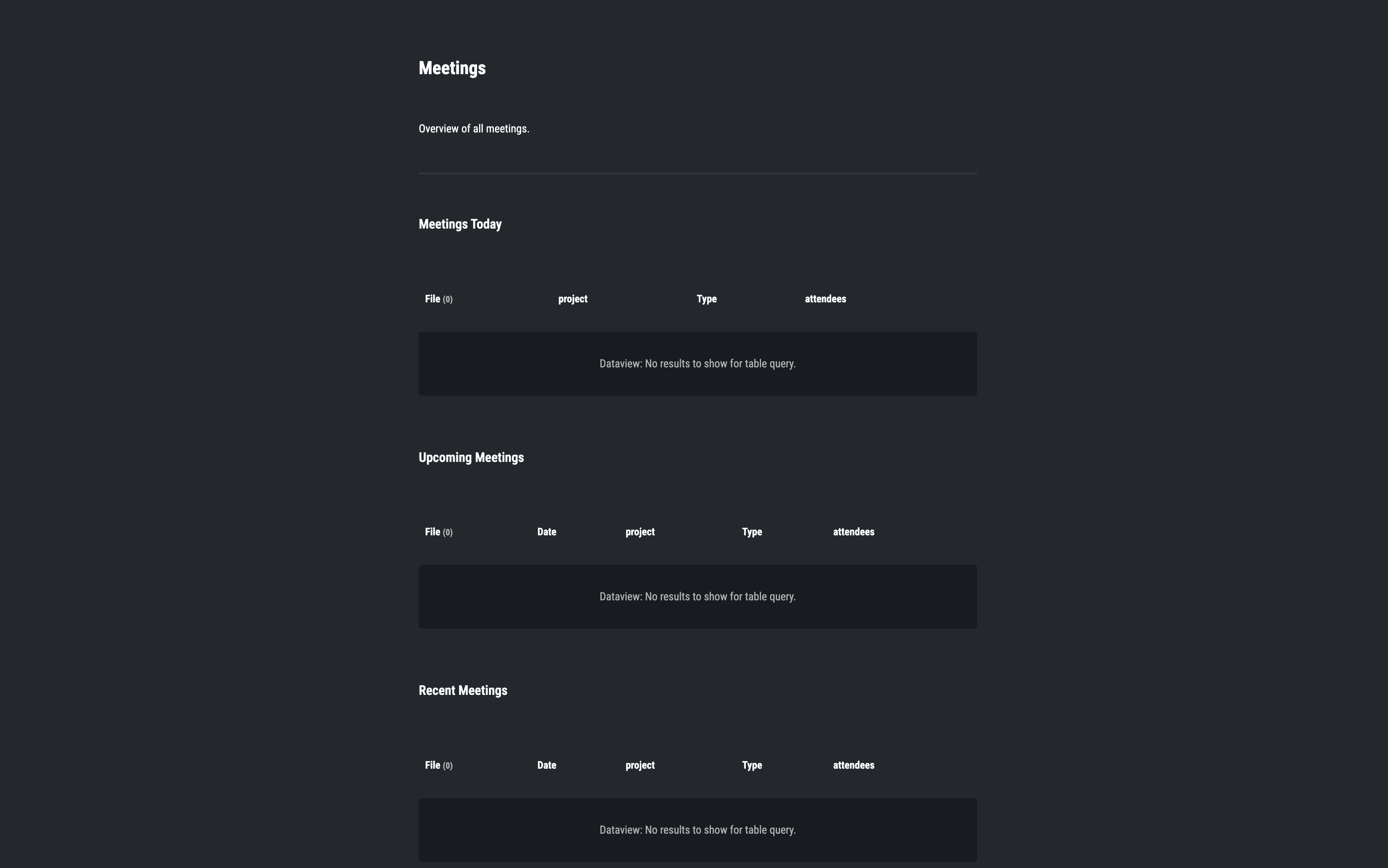
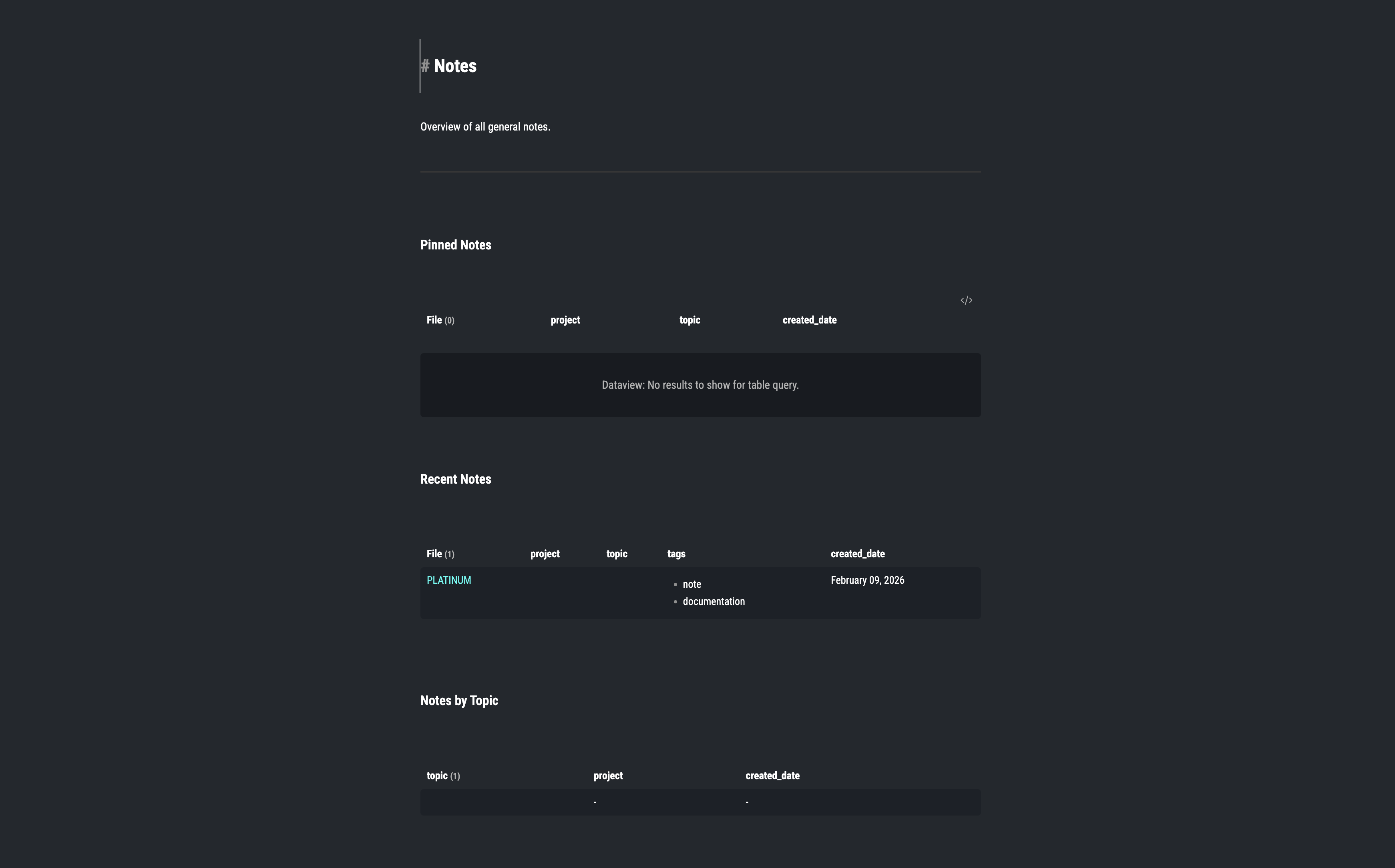
Here are a few screenshots from the app if you just want a quick look.
 7
7
Platinum Workspace
Obsidian
An Obsidian workspace for organizing notes into structured projects and long-term knowledge.
Data
Because everything is just plain Markdown, it is easy to back up and you can also connect it to Git. I built it this way so the workspace is not tied to one app or environment.
Use Platinum if:
- you are managing multiple projects or areas at the same time
- you want a structured system you can repeat consistently
- you prefer working with Markdown and Git-based setups
The goal is not to collect notes. The goal is to manage real work in a system that stays organized as it grows.